
All individual screensavers up!
We have been receiving many goodies from Daum recently,but it doesn’t seems to stop just right there!
Now we even have the official wallpapers which were released just a moment ago,they are available in many different designs & sizes so i’m pretty sure you would find what you like as well as what fits your monitor. Without any further ado,check them out as followed!
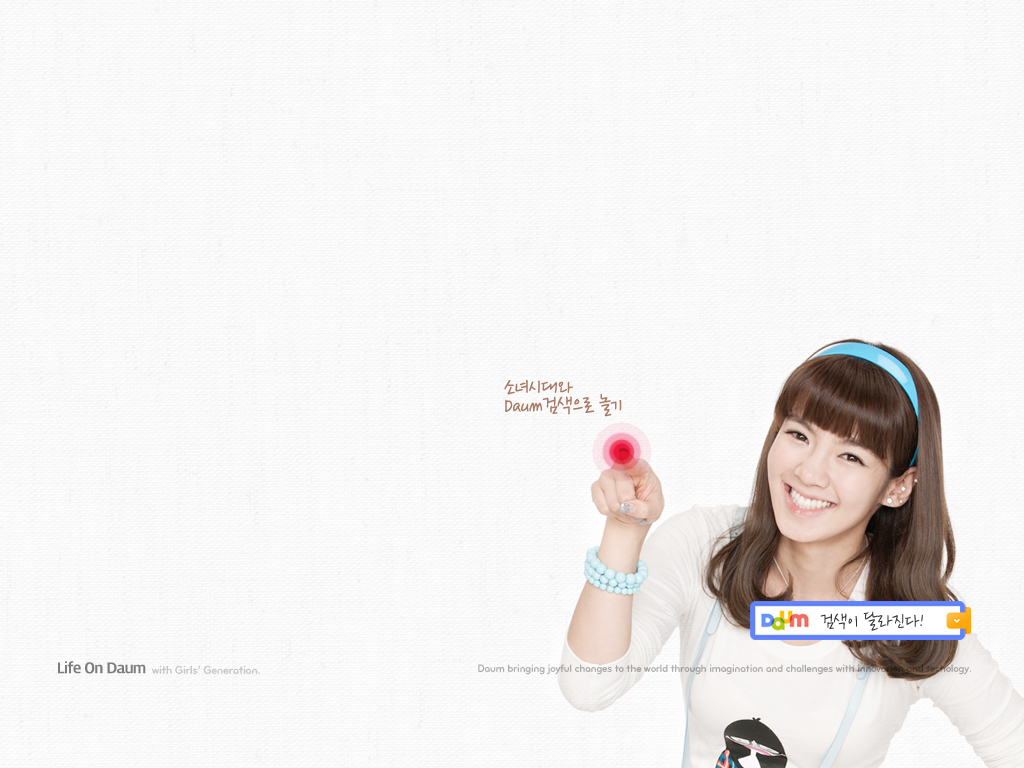
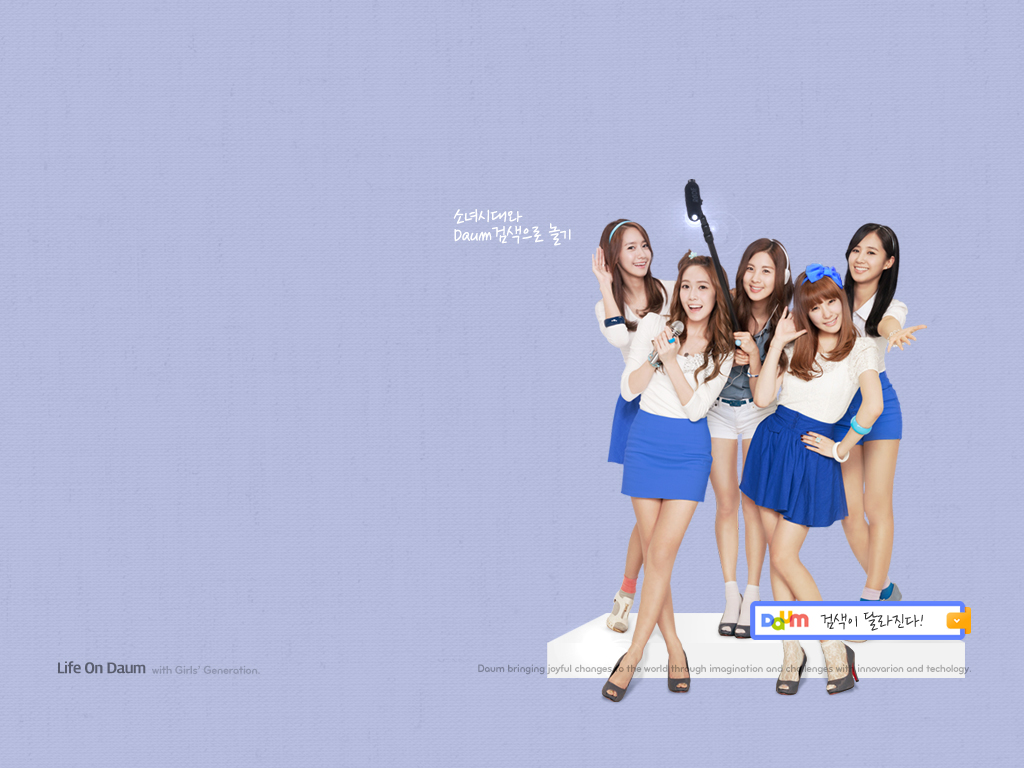
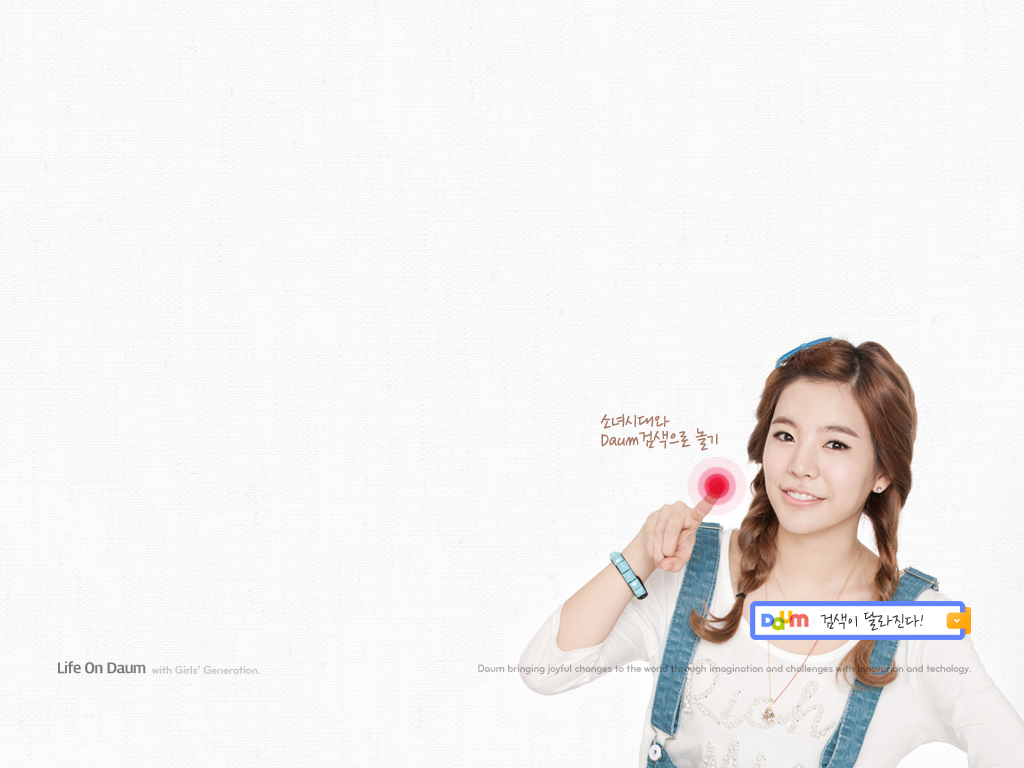
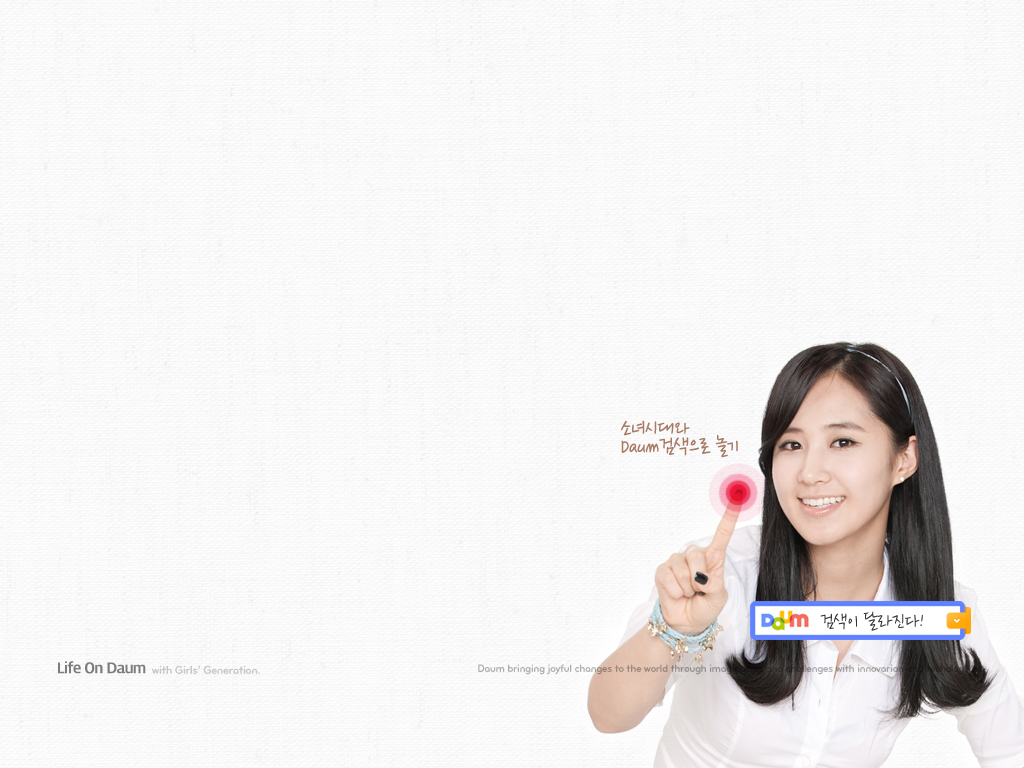
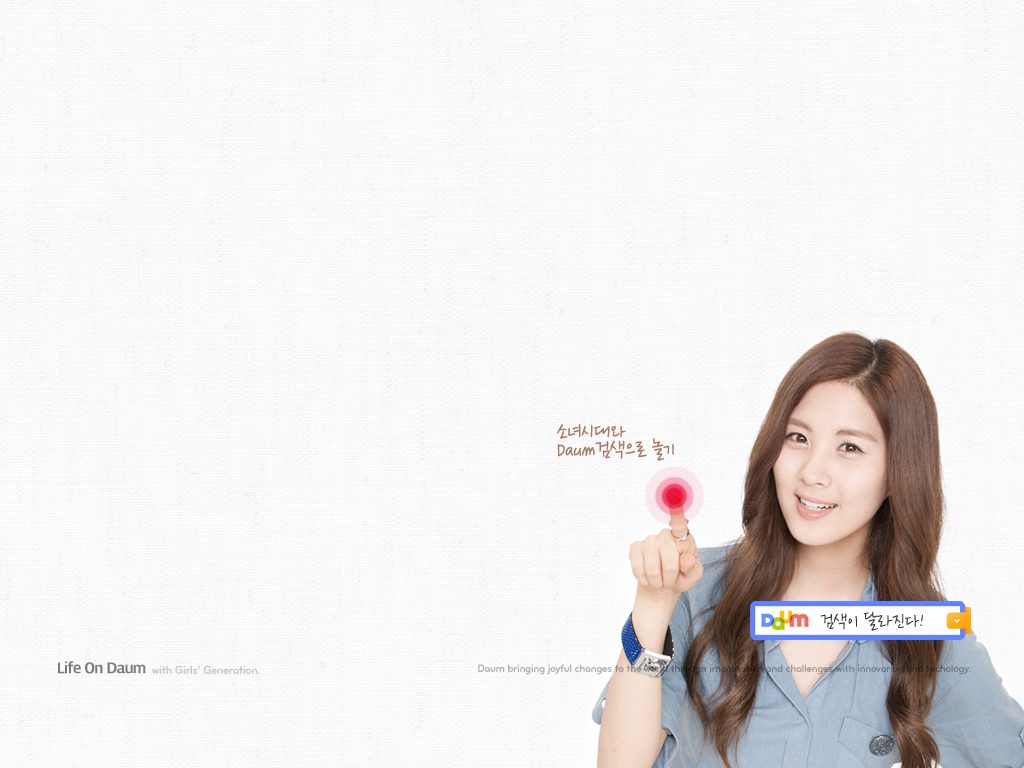
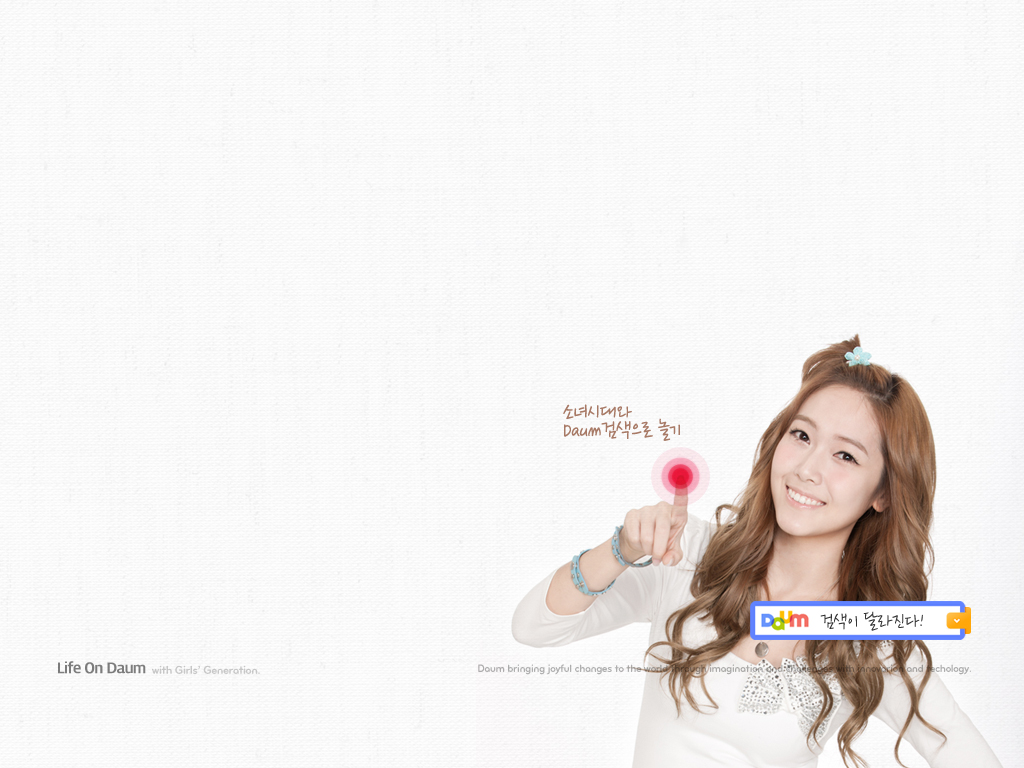
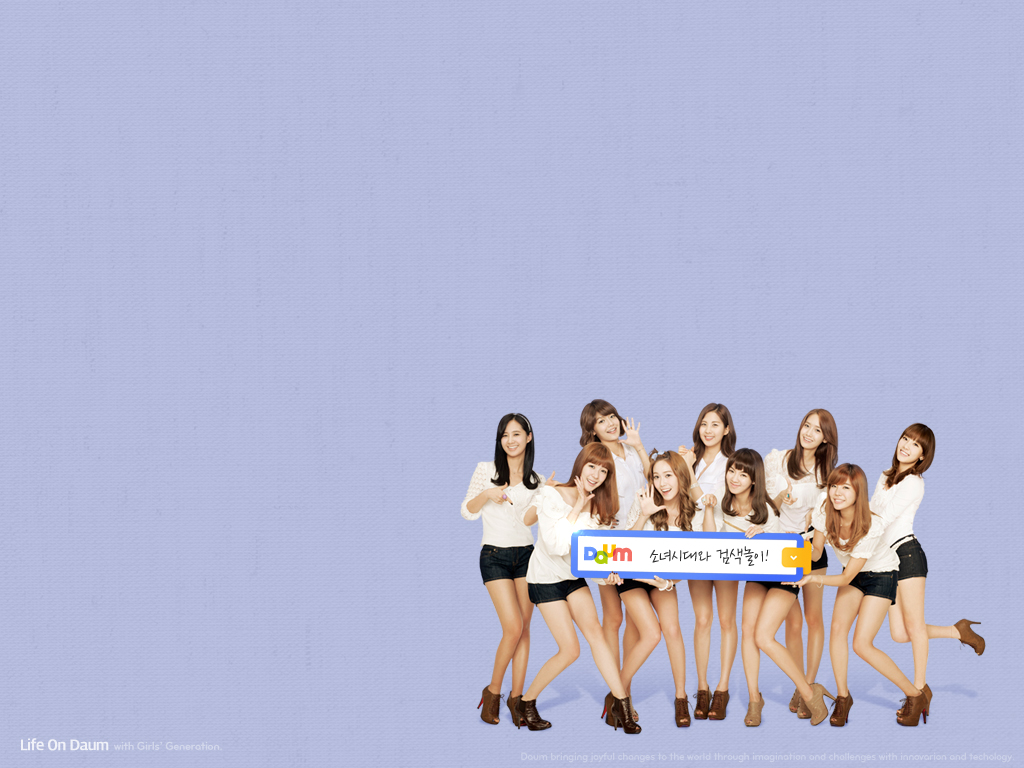



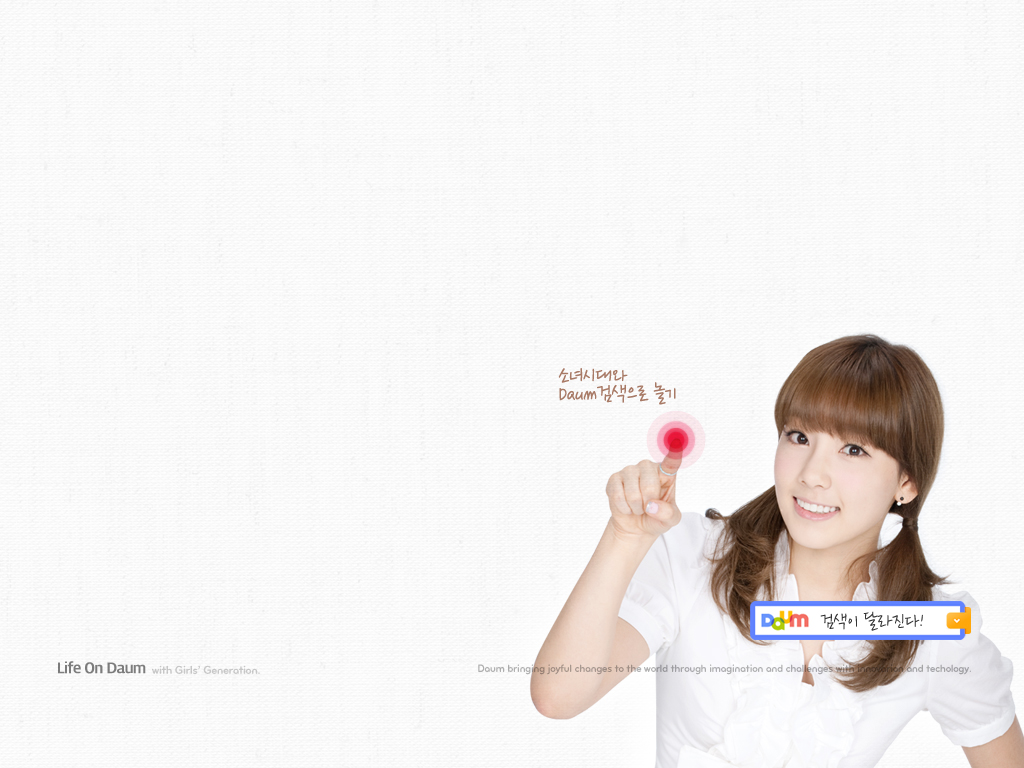


Click on the download links below to get them all!
2560 X 1600: Link
1920 X 1200: Link
1280 X 1024: Link
1024 X 768: Link (Or you could save them one by one from the top gallery)
———
On top of that,we also have the official screensaver. Catch the previews as well as the download links below!
Tiffany :
Taeyeon :
Yoona :
Seohyun :
Sooyoung :
Hyoyeon :
Yuri :
Sunny :
Jessica :
9-in-1 :
———
Full screensaver for Windows OS (High quality)
Individual screensavers for Windows OS:
9-in-1 | Tiffany | Taeyeon | Yoona | Sooyoung | Seohyun | Hyoyeon | Jessica | Sunny | Yuri
P.S. I won’t be reuploading any for Mac OSX.
Credits : Daum,SmoothyEcoS04@Youtube,Yurui.egloos.com,HyperionZ@Soompi,dorkified812@Mediafire
Reupload : zheming@snsdkorean
 SNSD Korean
i got it. thank you so much.
feel like in heaven right now !!!
Thank you for posting this is awesome
Everytime the vid gets clipped to the next one like Mike. but if you “move” the mouse. the screensaver stops. any ideas?
anyone have another link for mac os daum screensavers =)
look in older comments ^^
can u show how to use this on Window Vista pls??? I have tried but it didn’t work.
For the PC version, the screensaver saved in C:/Windows/SysWOW64 for some reason. I moved the file “Daum Screensaver_High.scr” to C:/Windows and it showed up in my screensaver list.
The problem i’m having now is the screensaver doesn’t show the video all the way up to the Daum logo part. It gets clipped and goes to the next vid…so no girls kissing the screen =( Any ideas for a fix?
Mike: you have to move the mouse during each scene to see the daum “click” scene
but then isnt the point of a screensaver, that u dont touch anything and it automatically shows
why taeyeon’s screensaver cannot be downloaded?
i can download it fine ^^
Wow, thanks a lot for download link. They are such pretty girls .. I always amaze of Yoong fresh face .. hhee
Wow , everytime I idle for 1 minute , 1 of the girl will appear on my screen . 🙂
I’m using Vista btw .
Does anyone know the links, or how to get to individual members screensavers for the Mac OS?
i cant see anything .. its only blue something , what should i do ?
i tried but it didn’t work for me.
Application Error:
Exception EInvalidOp in module Flash10e.ocx at 002FE613.
Invalid floating point operation.
google solution search are mostly chinese sites/blogs and i can’t read chinese. Help? :S
help please !?
love it sooooooooooo much…
unnie,, why are you all so pretty? I envy TT_TT
thnks for the download link.. ^^
thanks a lot!!
by the way, how do i make the screensaver repeat itself?
because mine only goes through once and stops …i believe.
thanks~
-max
i can see a face of a man through yuri’s hair o_o i guess that’s the camera man .. oh well, lucky him =___=
It is soooo fantastic! I love love love! Sunny Bunny’s video is soo cute but I love all of them! Nice job! And thanks the links!
Thanks for the individual screensavers!
I used to hate screensavers coz they were boring…..but now…i actually wait for the screensaver to pop-up.
I can’t believe a lot of mac users are missing out on this. It’s totally AWESOME, having SNSD literally look at you in the eye, and pretend to talk/communicate or in Taeyeon’s case pretend to offer you ice cream (LOL) has to be the greatest thing ever. I think I’ve almost died a few times since installing the screensaver^^. I’m using the low resolution screensaver for mac, and it works for me. Hope it does for others…
i have a problem, i am using windows 7 64 bit
i dled and installed it
it appeared on my list but when i click apply, win 7 doesn’t save my settings…
what am i gonna do?
i can preview it thought
Heya.. Seeing so many mac users having problems with the screensavers, I spent some time fixing it. Seems the problem was with the video files daum used to make the screensavers. Both of the screensavers (hi & lo) work in my mac. Just follow the simple instructions in the readme.txt file in the torrent about how to install it. I’ll be seeding this 24/7, but please be patient as my uploading speed is, regrettably to inform you, SLOW…..
http://www.mediafire.com/file/ocn46cxrbxzp7xr/Daum_SNSD_Screensavers_HI-LO.torrent
Hope they work^^
Thanks for sharing!!!!! SNSD FTW!
So I installed it and sent it on my screen saver properties, but all I’m getting is a blank blue screen. Help?
same to mine .. only a blank blue screen , can anyone help me ?
same here…
help please, anyone… ?
lol. apparently daum has addressed the problem with all of the screensavers. they’ve updated the download links for all of them.
http://search-down.daumcdn.net/girls/Daum_Screensaver_Low_Win_patch1.exe
http://search-down.daumcdn.net/girls/Daum_Screensaver_High_Win_patch1.exe
http://search-down.daumcdn.net/girls/Daum_Screensaver_Low_Mac_patch1.zip
http://search-down.daumcdn.net/girls/Daum_Screensaver_High_Mac_patch1.zip
I’ll still be seeding my torrent though, just for the fun of it. T_T’
It works exactly fine for me now! Thanks for the link. But do u have any SNSD individual daum screensaver download link for mac? I need the one for Jessica 🙂 It would be great if you can provide that =)
sorry, i have no idea if there are any indiviidual screensavers for mac around out there.. but you can actually make one yourself. the same way i fixed the original screensavers. i made one with just taeyeon in it, and it works. now taeyeon just keeps feeding me ice cream. lol…
the only glitch is the thumbbails in the interactive part are unchanged, you still see 10 thumbnails. it’s an easy process, although maybe a little bit confusing. if you’re interested, i’ll try to explain in a new message below. i will not make one and upload it somewhere though, the filesize is gonna be too big to upload.
Dear aiaiyaya, it would be great if you can explain to me =) then i can see jessica blinking to me all the time =) SNSD Hwaiting!
I cant download these patches?
hi i wish you could have the macbook version posted instead
hey^^. any of the mac version (hi resolution and low res ) work for macbooks. at least they work for mine. the high res version does use a lot of processing power though. guess if you’re using some processor intensive program in the background, it’s better if you switch to the lo res, or else our girls will start to look funny when the screensaver kicks in.
^^^^^^^^^^THANKKKKSSSSS SOOOOOOO MUCHHHHHH for the past 3 days i have tried and tried thank you so much.
ahhhhhhhh im in love thanks again
Hey I dl-ed the file already but when I dragged it to my screensavers folder right and open my system preferences, there’s some yellow words which says like error x.x
hmm, it seems you put the .saver file at the wrong screen savers folder. there are two actually, you’re supposed to put them in the one in your home folder, that is the HOUSE icon that has your username at the side pane in FINDER app, then find the LIBRARY folder, inside there is the SCREEN SAVER folder. that’s where mac stores all your personal screensavers. try it, because it definitely worked for me.^^
on a side note, i think it is definiitely worth it to spend another two hours to download the patched up screensavers from daum, cause the high res videos that they put in there are even HIGH RES^^. the colours are sooooo much better than their first, faulty screensaver. taeyeon’s hair looks so shiny ;p
Hey I didnt mean to spam but i managed to take a screenshot of the error. it’s at http://twitpic.com/2w2dwf would be glad if you all can help me with this cuz i waited 2 hours for the dl then i cant install it on my mac, sadd 😦
People,currently i don’t see any individual screensavers for Mac OSX around.
@ aiaiyaya Thnx so much for the links and taking your time to actually fix them yourself! Btw, you should try making the screensaver your background if you haven’t already 🙂 🙂
don’t mention it. hehehehe…. lol, having them as your desktop background is definitely unbelievable, but having them running all the time uses too much processing power… on my macbook, when i have the screensaver running as desktop background it LITERALLY eats up half of my processor… TT didn’t realize SNSD eats sooo well….. haha^^
This made my day! Taeyeon’s screensaver is 30 seconds of pure happiness!
I Know shes my favorite too =) does anyone have sounds for these screen savers?
thanks for the screensavers! they’re great!
i have a question
i recently downloaded the screensaver for all in one, and the individual yuri one
i was wondering why the all-in-one doesn’t lag, but yuri’s screensaver lags?
is it my computer, or the screensaver?
thanks!
ok, i’ll try to explain the steps the best that i can. the steps are really easy, maybe a little bit long..aa.. let me see…
FIRST – create a NEW folder on your desktop.
SECOND – find the folder where mac keeps your screensaver. they are in a folder named SCREEN SAVERS, in your LIBRARY folder, located in your HOME folder. another way to find it is just open the screensaver pref pane select the SNSD DAUM screensaver, right click on it, and click SHOW IN FINDER.
THIRD – select the Daum Screensaver.saver file, COPY it right there in the screen savers folder. RIGHT CLICK on the just copied file, click SHOW PACKAGE CONTENTS. then look inside to find the ISCREENSAVER.APP file. RIGHT CLICK on that file and inside the contents folder that pop up, go in the ARCHIVE FOLDER. there is where the screensaver stores all the video files.
FOURTH – FIND the jessica/taeyeon etc… video that you’d like to make the individual screensaver, and COPY it into the new folder you just created on you desktop.
FIFTH – make 9 OTHER COPIES of the jessica video in that new folder. so all in all you would have 10 videos, ALL of jessica^^
what number’s next… lol sorry.
SIXTH – then what you do is you rename ALL 9 COPIES of the jessica video, leave the original copy alone, with the names of all the other videos in the ARCHIVE folder. for example the filename of taeyeon’s video in the archive folder is FAD3C98626.mov. you copy the filename FAD3C98626, and rename one of your copies of jessica video with that. so in essence you would have 10 copies of jessica, all with different names. but they’re all jessica^^
SEVENTH – MOVE all 10 jessica video, which have been renamed and REPLACE all 10 original videos in the archive folder.
if you renamed them right, you would replace all 10 of the original videos. after you move the videos, just count to see that you have 10 videos, not more. that means you’ve done it right. yay^^
FINAL – RENAME the Daum Screensaver.saver file in the screen savers folder with another name, then double click on it. when the preference pane pops up, it will show more than one Daum Screensaver screensaver. just test to find which is the jessica one and choose it. you’re DONE.
phew… i hope i explained it right.. (0_o)’
i’m sorry i got the final step a little wrong.
FINAL – RENAME THE COPY of the Daum Screensaver.saver file in the screen savers folder with another name, then double click on it. when the preference pane pops up, it will show more than one Daum Screensaver screensaver. just test to find which is the jessica one and choose it. you’re DONE.
choesonghae^^
o yeah… i forgot to mention. actually with this method you can make any snsd videos you have or any other videos as your screensaver, without using the expensive iScreensaver app. i think it even supports sounds. what you do is just convert your videos to a quicktime recoqnized format like .mov or .mp4, and repeat the steps above. i’ve never tried it though, and there maybe limitiations as to how long the videos can be. it’s just something interesting to try… haha, i guess by now i’ve earned the reputation as an official GEEK ~(^.^)’
Hahaha…Aiyaya! Really Thanks for your help!!! It works fine for me…The only problem is the that other daum screensaver could work well…as in it only shows up jessica on both daum screensavers in system preference…hahaha..i have mixed yoona jessica taeyeon and the 9 in 1 videos together..It is awesome =))))) just tell me if anyone need jessica’s individual screensaver for mac!! 😀 Btw, like u say, setting screensaver as desktop background really took up a lot of ram…it makes my mac laggy and slow =.=
lol.. SNSD FTW!!! i didn’t experience the same problem as yours though. you must have your files mixed up somewhere.. hehe.. anyways you can always reinstall the daum screen savers, just as long you name your newly created screensavers other than ‘Daum Screensaver.saver’. SNSD FTW!!! taeyeon jjangi da!!!!
daebak! thank you for the links ~ woot!
Thankz so much for uploading it! realy2 like the sunny screensaver ~_~ realy2 kawai!!!
Hey aiaiyaya I followed your directions and dl-ed your torrent and place it in the home folder’s screensaver file but i still get the yellow msg http://twitpic.com/2w2dwf haixx, any alternative i can try? thanks for your help really. anyw my mac version is OS X
well… did you by any chance installed the faulty screensavers from daum first, i’m not really sure if you woud first have to install that first, only then put the .saver file from my torrent in the screen savers folder. because that’s what i did, i installed the faulty screensavers from daum, and then only after seeing them not work did i replace the videos in the .saver file with the same videos converted to a different format.. hmm.. are there any other mac users having the same problem? if so, than i apologize. my torrent probably was a FAIL.. lol..
as i recommended in my reply, the videos in the new patched screensavers from daum look soooo much better than their original ones. try to download that because even i’m using them right now. i see that you’re using google chrome to download in the screenshot. try using firefox, with downthemall addon installed and download the screensaver u want from the links given above. that should make the downloads easier.
I have downloaded the patch version. I have mac, it works. But the video doesn’t appear in the whole screen..
that is so weird.. i have no idea how to explain that… did you try both of the screensaver versions, the hi and the lo ones? does your other screensavers appear like that as well?
try to install this screensaver and see if it works properly:
http://www.apple.com/downloads/macosx/icons_screensavers/filigree.html
if your mac is fully updated, and you’ve installed perian codec for quicktime, and they still appear small like that then i’m lost for any solutions. sorry (:<)<-<
thank you 🙂
Hi all i installed the screensaver and managed to view it under the preview mode. I set the time delay to 1 minute but after waiting for like 5 minutes the screensaver did not load automatically. I am using windows vista 32 bit and just wondering whether anyone else has the same problem and what can be done about it. This happened to both the 9 in 1 and the Taeyeon version. Thnx
I tested out the Full HQ screen saver for windows and it works fine but it doesn’t go away when I move the mouse, instead I have to click on escape. Is it like this for anyone else?
Yup.
does this works on windows 7?
tnx in advance :3
It works on my 32-bit Windows 7.
Not working for mine
thanks so much aiaiyaya!!
now i can watch taeng licking that lucky ice cream all day..
taeyeon jjang!!
lol.. lucky ice cream indeed… gRRRRR……
THANK YOU
omg this is an awesome find but the download is so slow -_-
thank you for the screen saver they all look so pretty
ty so much XP i love this screensaver!!
Pingback: YooNAVERse and YoonISFREE | So Nyuh Shi Dae Fansite
Oh ^^ thaX
thank you so much
they very cute
Pingback: New Images From Daum & Hoot! | So Nyuh Shi Dae Fansite
The screen-savers are now the highlights of my computer usage. I especially like the Tiffany and Taeyeon ones. So Cute 😉 !!!
Here is the offical page on Daum.net (Hangul)
http://search.daum.net/search?w=tot&q=%40소녀시대와+검색놀이&t__nil_brandingspecial=banner&nil_id=3%2Fcampaign_sosi.swf
can anyone tell me if it works with Windows 7, 64 bits??? Big thanks!!!
@2210kai: It certainly does, I’m using it! Love Taeny, Maknae, and Tiffany’s ones, but Yuri’s takes the cake for this one! xD
I installed it and it appears on my list, but after i closed it the screensaver doesn’t pop up at all =(
Help please, im sorry if im troubling anyone
@Joey: What operating system are you using? Might be easier for someone to help when we have more info.
is there gor Full screensaver for Windows OS(Low quality)?
Erm, Its working for me, but despite the patch, it still does not show the whole clip unless I move my mouse. Izzit the same for every1?
Yes.
It’s supposed to be that way… The idea is that when you move your mouse, you “catch the attention” of the gals; Yuri drops the wiping cloth in surprise, Taeyeon celebrates and offers you her sundae, Hyoyeon gives you a present, etc.
o.o Thx
Welcome! =)
i have a question tho … sorry for being a total computer idiot … but how do you set these awesome screensavers as ur desktop background …. been tryin to figure out for sometime now … help would be appreciated ..
Windows:
http://mytechquest.com/windows/how-to-set-up-screensaver-as-desktop-wallpaper-in-windows-xp/
Mac:
Linux:
You’re using the wrong OS if you’re computer illiterate. XD
Hope that helps.
thx for trying … but the screen saver’s chucked at one corner … the size of a display picture .. lol …
Can someone please reup download links for the updated screensavers? the old links are down
Thx u na kub iform thai
thank you so much for the great screen saver. Hope you all have a great time, good health, and best luck for everyday of this year and another year, another year, and other yearsssss. Love you SNS:D
People.. why are experiencing this problems???I’ve downloaded this screen saver easily…
My Wallpaper is SNSD… and my Screen Saver SNSD also.. hahaha… Im a certified SNSDnatics..!!!
Hi, I was just wondering if any of this content is copyrighted, because I live on campus at my university and I can’t download it if it is. But I downloaded the collage screensaver of the 9 girls off of the Daum website. I just really want the Taeyeon one. Any help would be great, thank you!
Sigh… it seems i’m still getting the bluish screen despite having used the Patched High res version for windows… Any even has this problem?
i have been thru this website, trying to download the mac version of the screensaver, but no luck with link, as it does not link me to the download. I have been trying this, from night til next morning, and im disappointed, that no link for Mac is given. PLS HELP ME 😦 my email is gordontaylorthong@gmail.com
i’ll seed this torrent if you can bear the waiting time as my upload speed is slow:
http://isohunt.com/torrent_details/249572841/?tab=summary
Hey Aiaiyaya any chance you can send it o me via email? my email is spl_rulz@hotmail.com Tyvm
thanks….
im unable to download the file, it seems when i click on the link, another page appears :(((((
Thankyou ^^ The preview vids dont work no more or something (:
Everything working finee ^^
saranghaeyo tiffany…….!!!!
help~!! my last pc crashed need to download all the screensavers again but its no longer available in mediafire!!!
i get to see the page that says: Invalid or Deleted File
😦 WHAT TO DO?!?!?!
yea i would like to have this too maybe reupload? pls
omg..mf link for screensaver is not longer avaiable…
can anyone help me?i want have it either…:P
Installed on Windows 7, it won’t load properly. I install it (all the text on the installer is messed up), then when I set it as my screensaver, it’s just blank, won’t let me preview it at all.
Mayday! The files were removes from Mediafire??? Where did they go? I need to reinstall! T.T
do u guys have the latest Daum pictures?
can it be used on xp 32 bit??
how to install it??
thank you…
😀
hey guys i found the screensaver file! http://www.mediafire.com/?swqh26dz8kb5v65. thanks to our Lord Jesus!
or here http://www.sharingzone.net/download_page.php?q=Daum%20Screensaver%20High%20Win%20-%20SNSD
or here http://www.sharingzone.net/download_page.php?q=Daum%20Screensaver%20High%20Win%20-%20SNSD
or here
http://search.daum.net/search?w=tot&q=%EC%86%8C%EB%85%80%EC%8B%9C%EB%8C%80%20%EC%8A%A4%ED%81%AC%EB%A6%B0%20%EC%84%B8%EC%9D%B4%EB%B2%84&nil_profile=jockeytop&nzq=%EC%86%8C%EB%85%80%EC%8B%9C%EB%8C%80%EC%8A%A4%ED%81%AC%EB%A6%B0%EC%84%B8%EC%9D%B4%EB%B2%84%EB%B0%B0%EA%B2%BD%ED%99%94%EB%A9%B4&topq=
note: please don’t download if it asks for payment.
could u help me get jessica’s screen saver
i tried to get it but it says file dnt exist
someone help me get jessicas screensaver
>> invalid or deleted files
thanks a lot..i’m using seohyun screensaver right now..and i love it damn much!!!<3 ❤ ❤
I am not sure how people keep saying they are using these. All of the files were removed/deleted from the download site. If there is some other way to acquire individual ones(preferably Yoona) than email me at the mentioned email below. Thanks.
yes… i need the individual scr. for my pc,anyone know where to get it..
link in above was dead,,,
is the screensavers availiable for the iphone?
u tired to click on the download link but it shows that the link has expired….. HELP !!! i really wanna get my beloved sunny’s screensaver