
All individual screensavers up!
We have been receiving many goodies from Daum recently,but it doesn’t seems to stop just right there!
Now we even have the official wallpapers which were released just a moment ago,they are available in many different designs & sizes so i’m pretty sure you would find what you like as well as what fits your monitor. Without any further ado,check them out as followed!
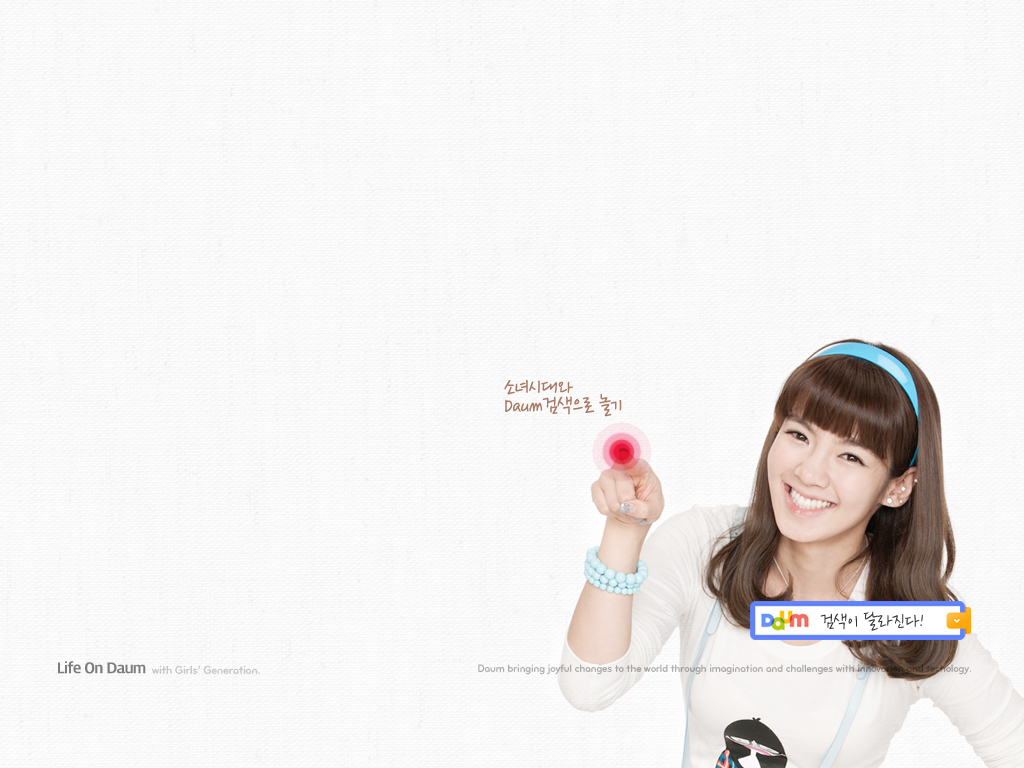
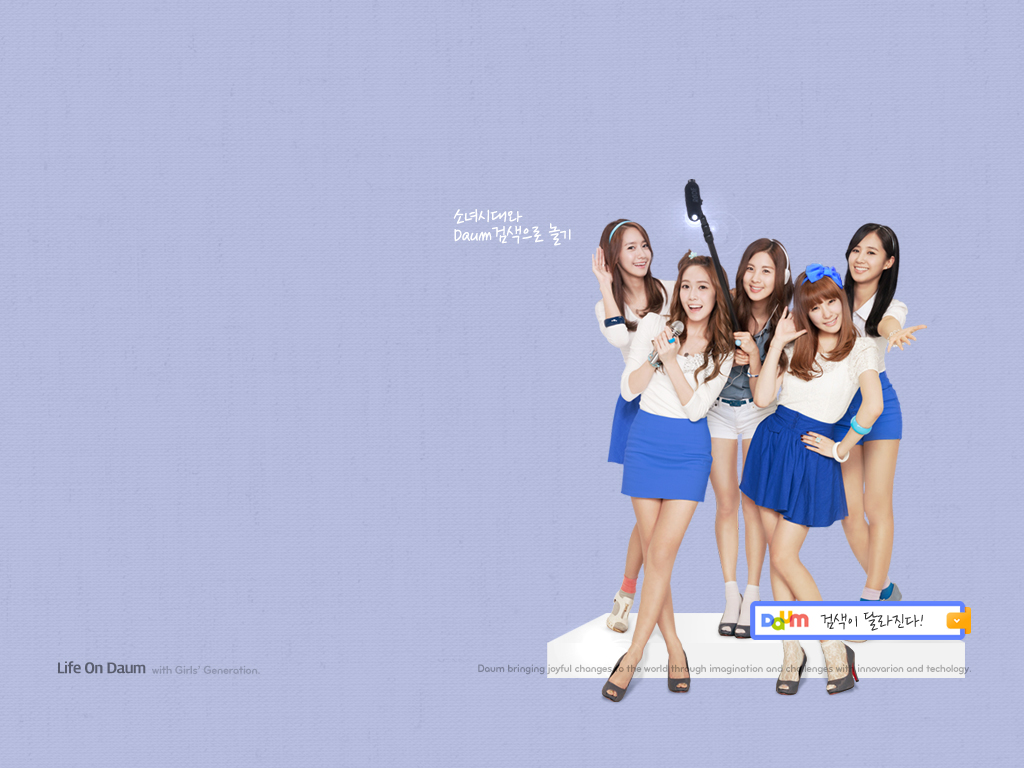
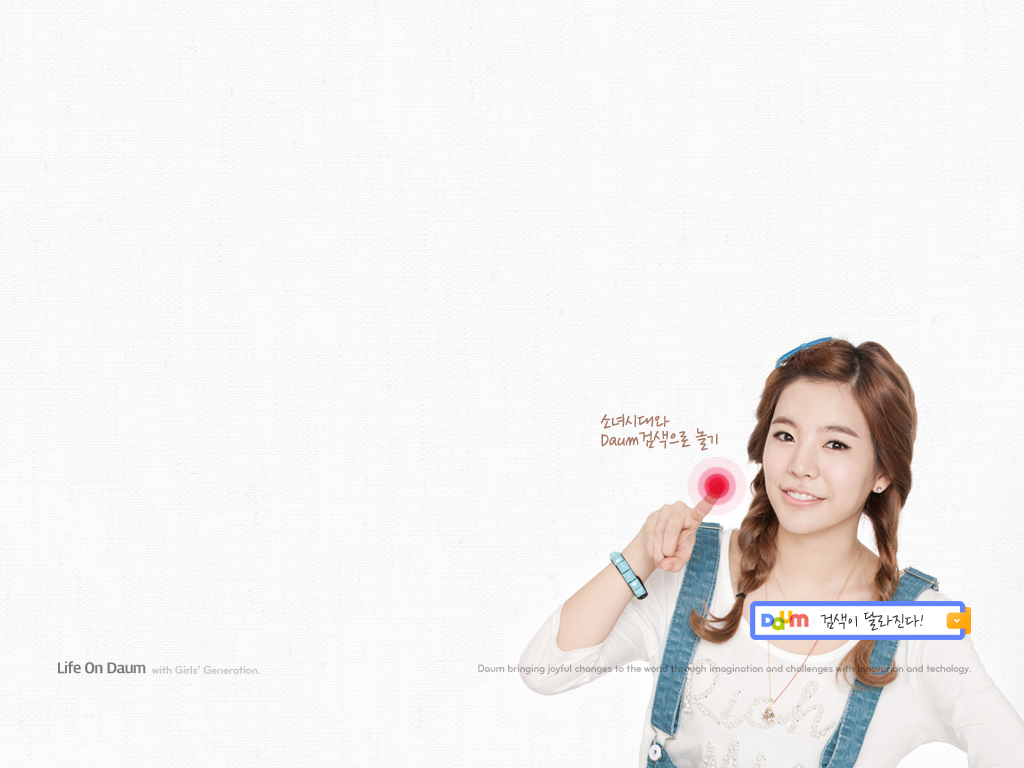
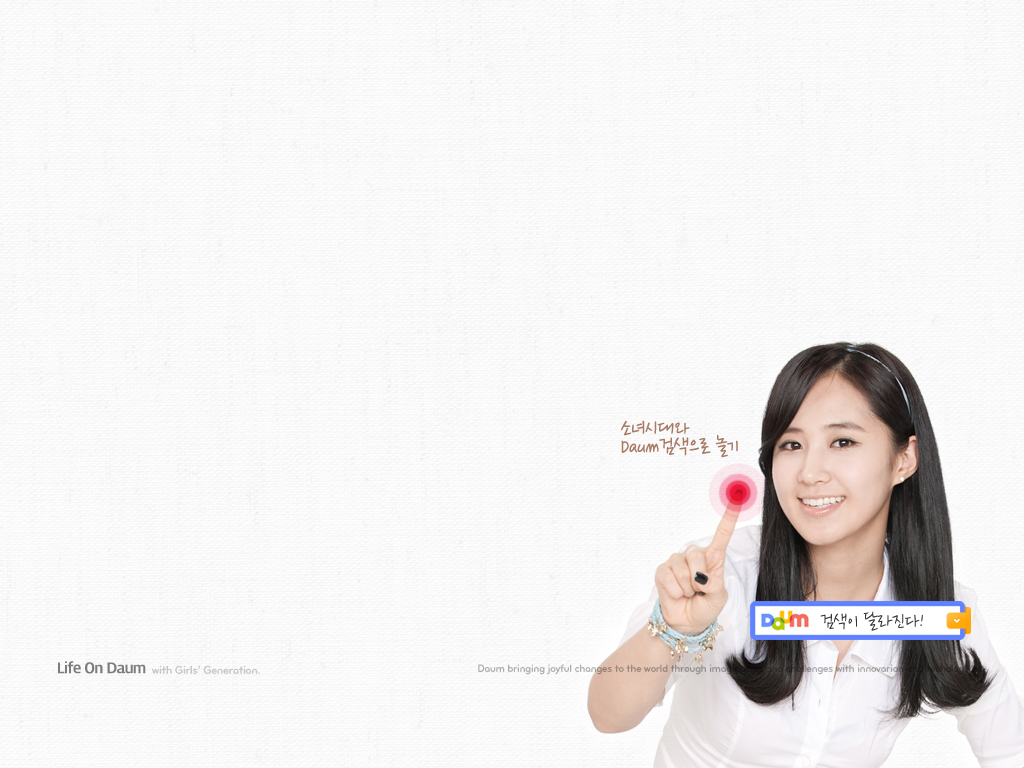
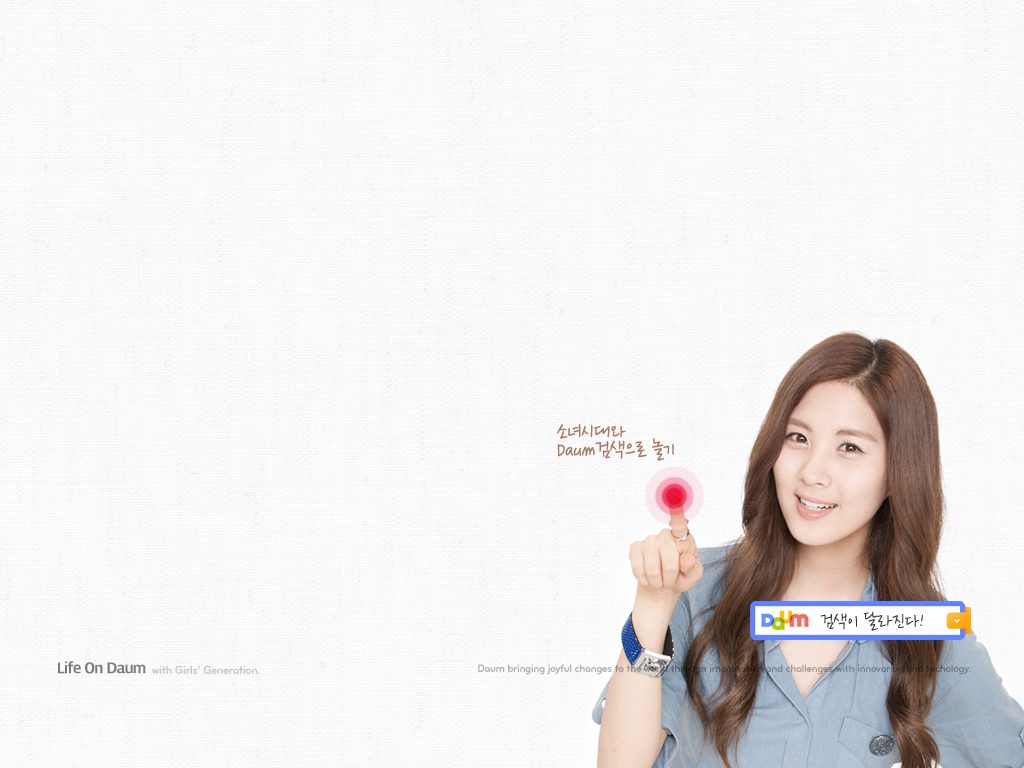
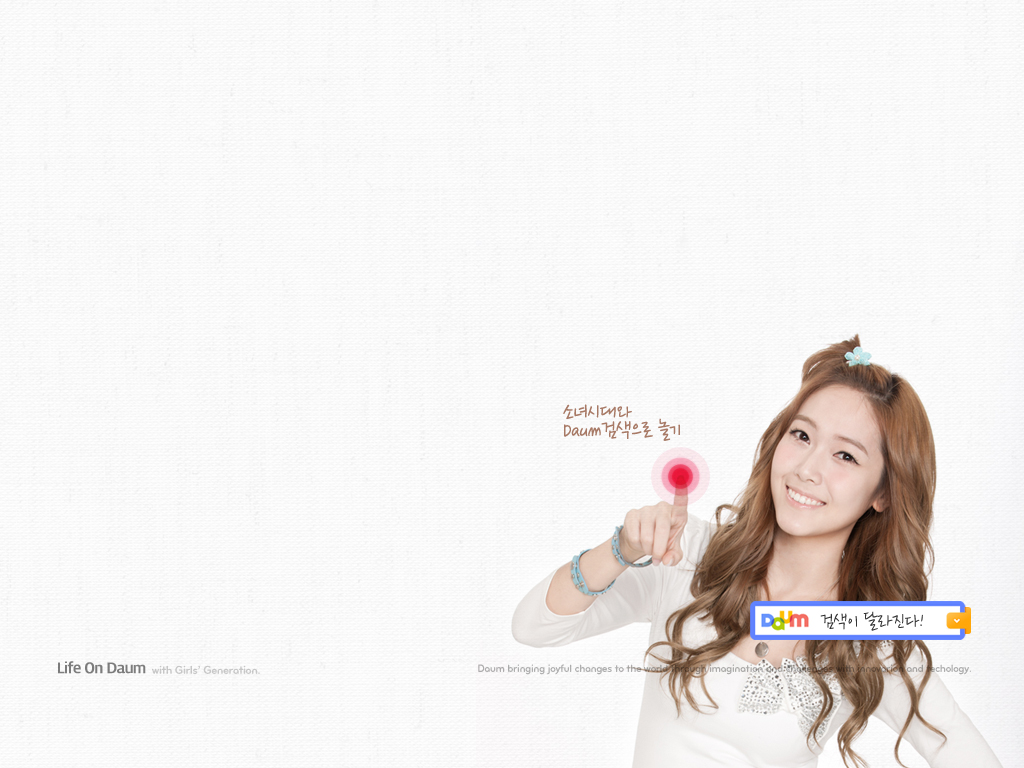
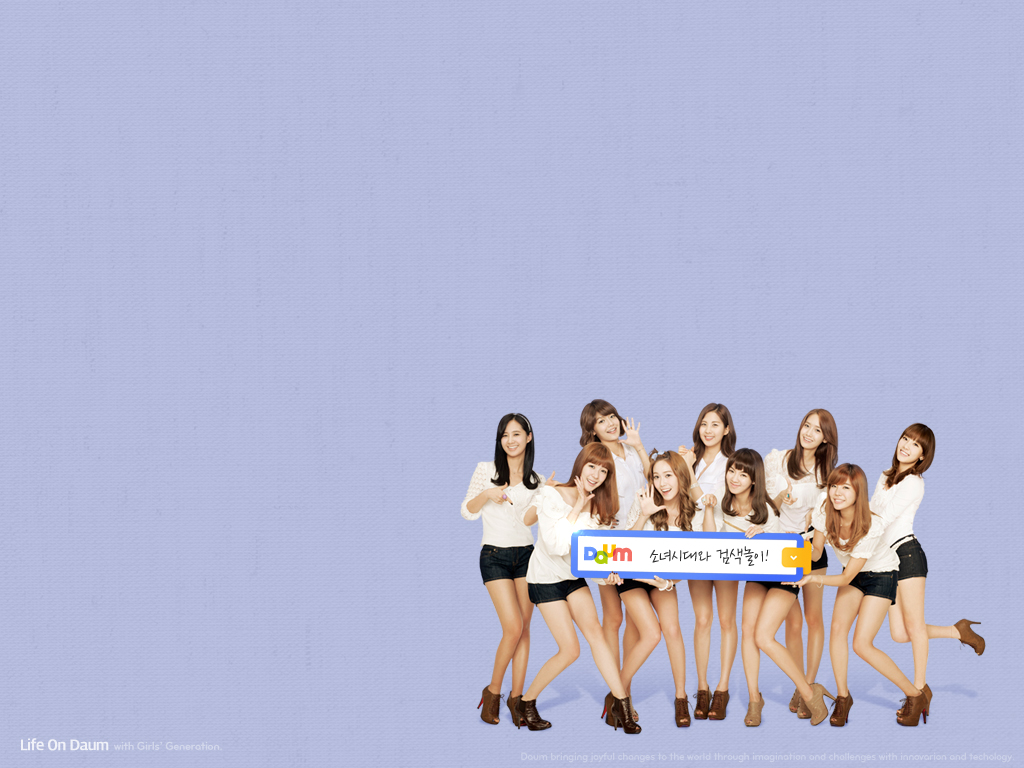
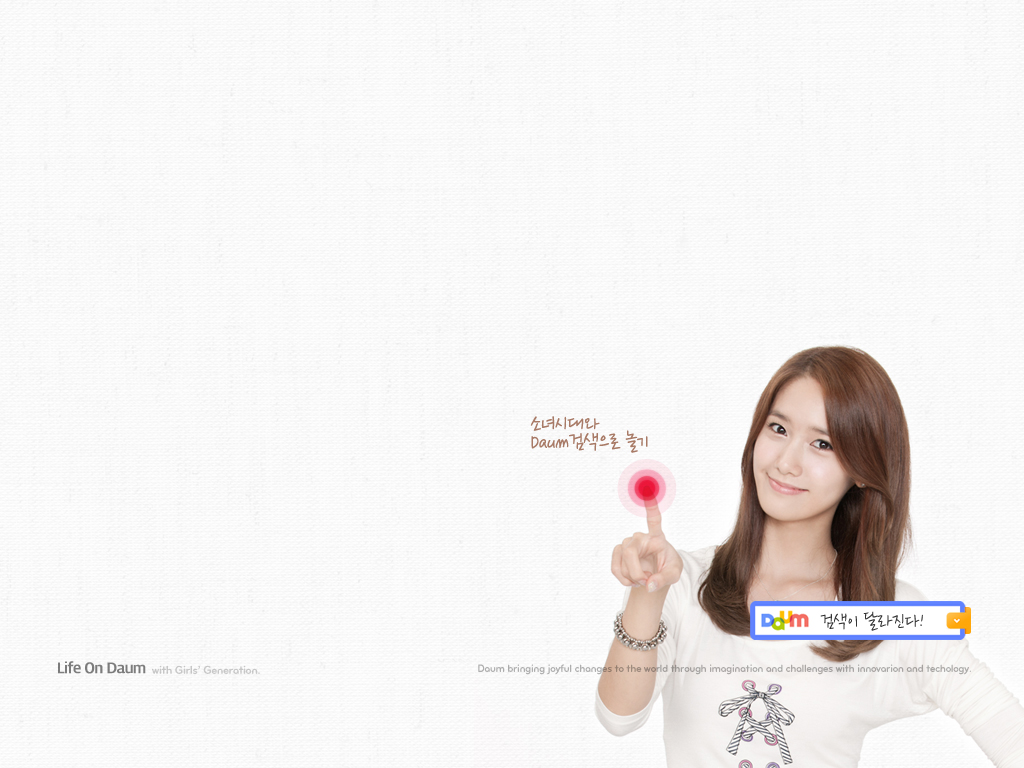
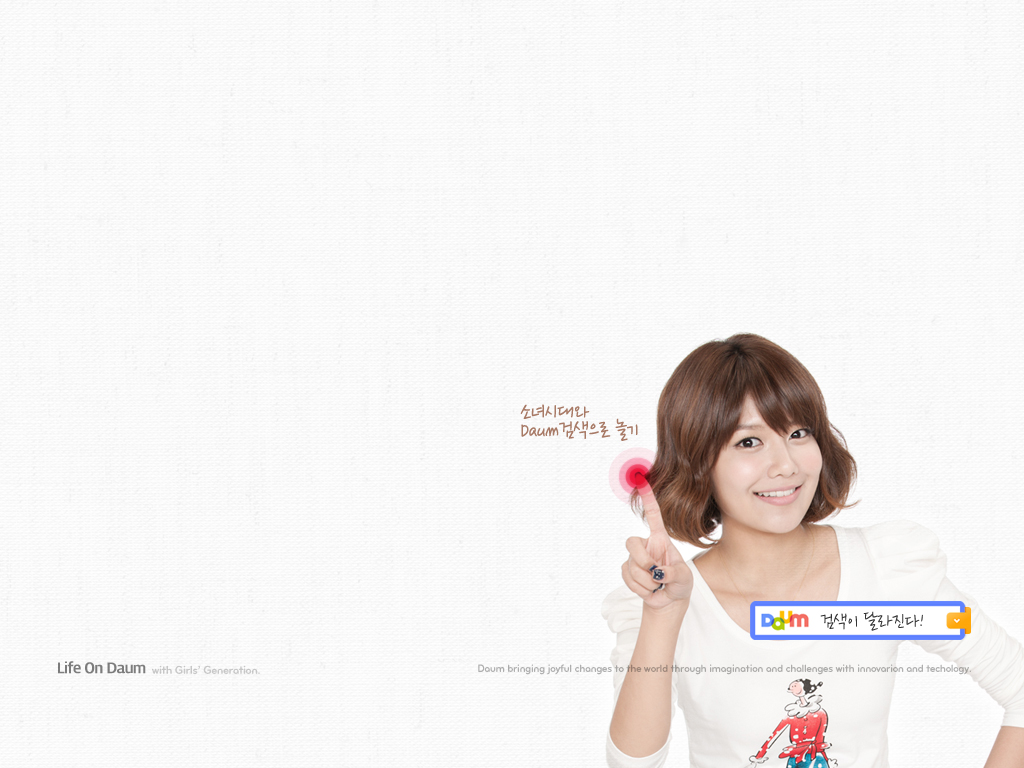
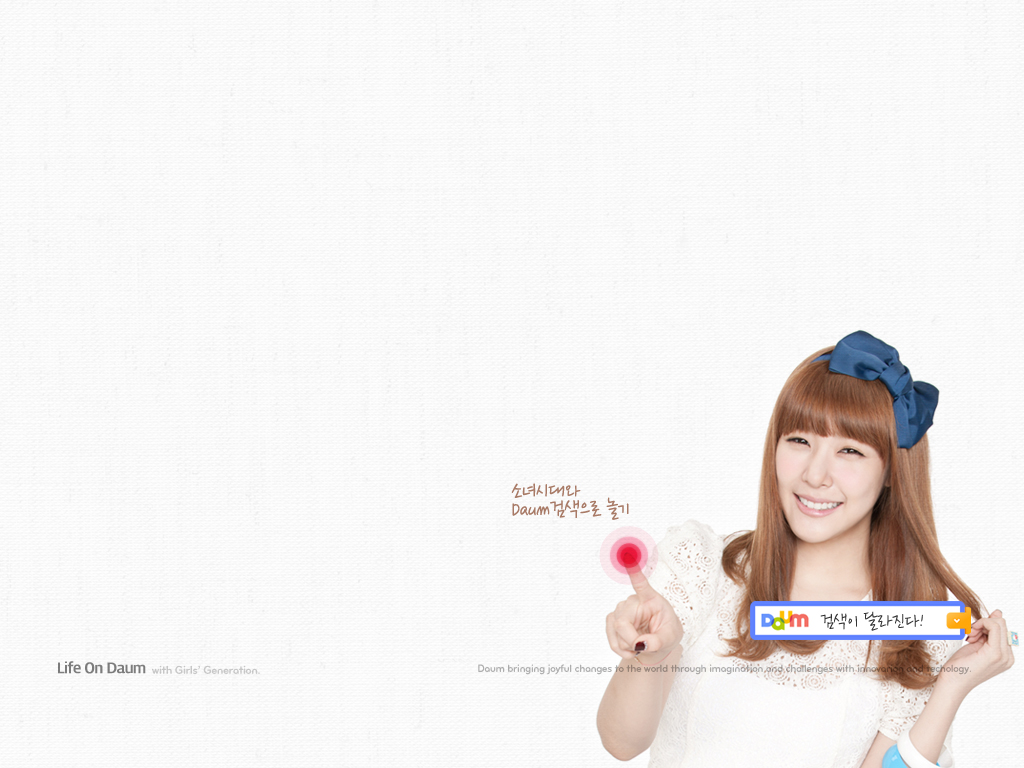
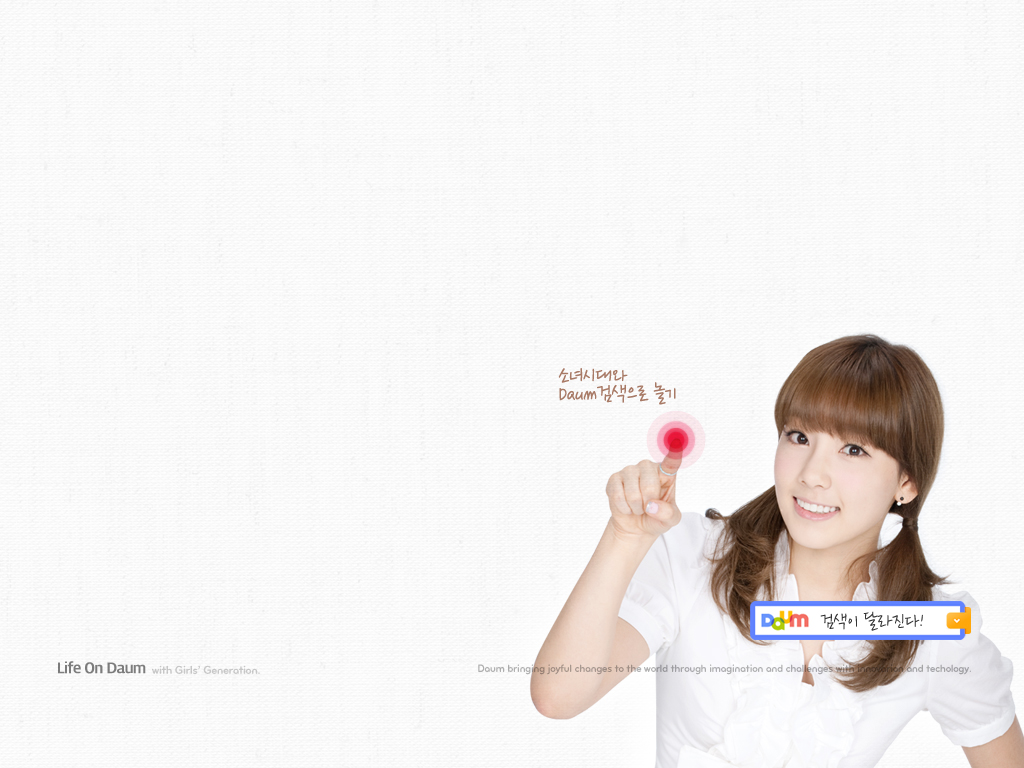
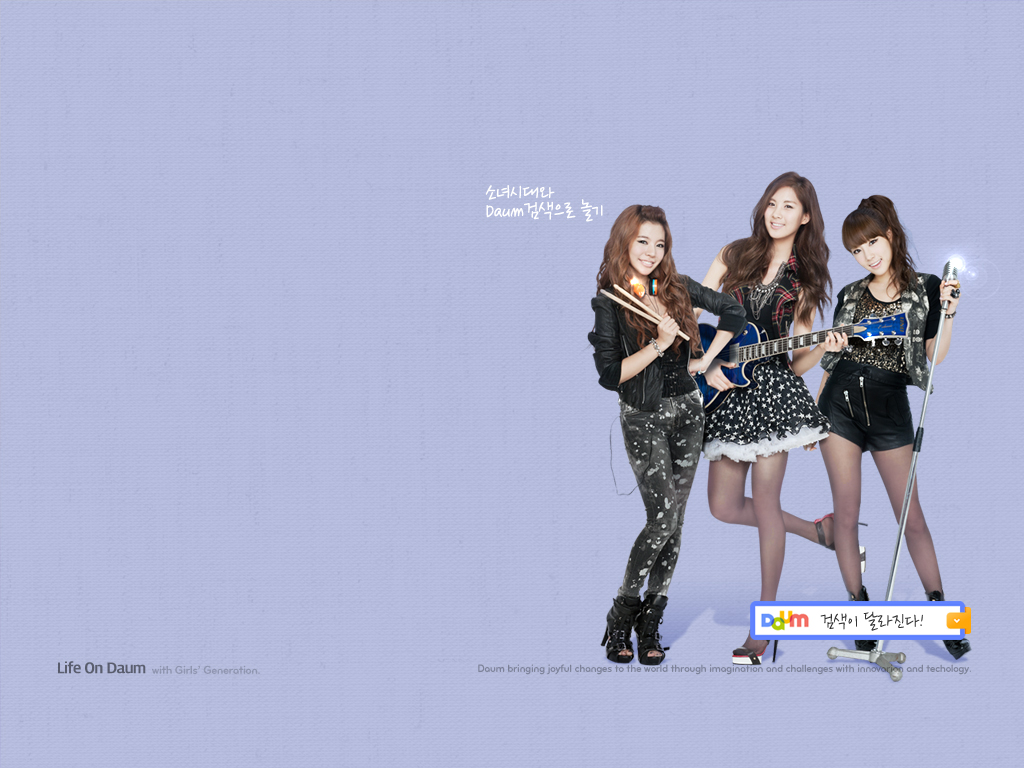

Click on the download links below to get them all!
2560 X 1600: Link
1920 X 1200: Link
1280 X 1024: Link
1024 X 768: Link (Or you could save them one by one from the top gallery)
———
On top of that,we also have the official screensaver. Catch the previews as well as the download links below!
Tiffany :
Taeyeon :
Yoona :
Seohyun :
Sooyoung :
Hyoyeon :
Yuri :
Sunny :
Jessica :
9-in-1 :
———
Full screensaver for Windows OS (High quality)
Individual screensavers for Windows OS:
9-in-1 | Tiffany | Taeyeon | Yoona | Sooyoung | Seohyun | Hyoyeon | Jessica | Sunny | Yuri
P.S. I won’t be reuploading any for Mac OSX.
Credits : Daum,SmoothyEcoS04@Youtube,Yurui.egloos.com,HyperionZ@Soompi,dorkified812@Mediafire
Reupload : zheming@snsdkorean
 SNSD Korean
http://search-down.daumcdn.net/girls/Daum_Screensaver_High_Win.exe here’s the link for the High Res Windows OS. 😀
fast as usual! thx zheming!
and thx soshipao for the dl! 😀
I DIED at all of the screensavers. Oh dear god Tiffy I need to marry u like NOW! Thank you SNSDkorean for shortening my lifespan LOL XD
I Couldn’t Agree More:)) I’m A Girl And All But My Gosh! Tiffany-Unnie Is Just Freaking Gorgeous And Super Cute^-^
Saranghae Tiffany-Unnie<3<3<3
hahahahaha nice.
o my god… (X_X)
If possible , is there a mac OS download link too ? thanks a lot !
There is.
But i’m afraid i won’t be reuploading it since my upload speed is pretty slow like a snail.
If you want it,you can tweet me for the link.
🙂
zheming…is it ok if u send the download link to my email? It is AmbroseLau_91@hotmail.com..i really wish for the screensavers of mac version…thank you..
the mac version isnt working ;/ and do you have the individual screen savers for the mac? hope you can send them to me, especially taeyeon and tiffany’s ones. thank you very much (:
OMG I actually getting goosebumps, all the screensavers are too awesome!
does the screensavers work for mac os x?
Yes,you would need download the one meant for Mac OSX.
So how exactly do I go about ‘extracting the .exe files’ and all that other stuff
can i have the link please ?
such a sweet vodeos ♥
SNSD Daum screen saver download
Utorrent
Low resolution for Win
magnet:?xt=urn:btih:JBNLXHHEH7RWT6GINFVJONO2OPG2E6SL
High resolution for Win
magnet:?xt=urn:btih:LBFTO3ZOYW7IZMSGGP66X2DXWVM5TKLM
Low resolution for Mac
magnet:?xt=urn:btih:6NLNVNGN6J22FXU3RAJABZ35MREBAXOM
High resolution for Mac
magnet:?xt=urn:btih:UKXZ7Q4HCSFNKKAQLJLD6CZXGCYL4AQQ
Um, how to install the screensavers? i tried following the instructions above, but i don’t see any .scr files. help please?
I’ve extracted the files using 7-zip.
And i get 2 folders,one of them which contains the .scr file.
What file did you extract in the first place? All I get is an installation file, then nothing in the directory where it was installed.
how do i install the .scr file? using what software.
same here man,i installed the thing but i cant find the screensaver under the screensaver tab
I want to install these but I can’t understand the text the program uses :{
Read the last few sentences of my post. 🙂
OMG all the girls look sooooo cute 😀
btw, here are the links for the screensaver..
101006 101007 소녀시대 서현 다음 스크린세이버
WIN: http://search-down.daumcdn.net/girls/Daum_Screensaver_High_Win.exe
MAC: http://search-down.daumcdn.net/girls/Daum_Screensaver_High_Mac.zip
http://search.daum.net/search?w=tot&q=%40%EC%86%8C%EB%85%80%EC%8B%9C%EB%8C%80%EC%99%80+%EA%B2%80%EC%83%89%EB%86%80%EC%9D%B4&t__nil_brandingspecial=banner&nil_id=3
You’re awesome!!!thanks
so cute 🙂
thank you so much for the ups,,, hehehhe,,, loving it so much,,, hehehhehehe,,, niw i think my pc will hang for some intense beauty,,, heheheheh… <3<3<3<3<3<3
Hahahaha!!
So freaking adorable!! ^^
I shrieked my head off! o: LOL!
I want to marry every single one of them!! 😀
OMFG THANK YOU!!!!!! SO ADORABLE! I THINK I DIED LOL. Great quality!! ♥SOSHI♥
Are there screensavers for individual members??
Unfortunately,no at the moment.
I’ll be sure to update it on this post if there is. 🙂
jhdfhdskfkdshfjdhfds OMG THESE SCREENSAVERS ARE THE BEST THINGS EVER.
excuse me while i go lie on my fainting couch.
WTF no mac?
I HATE MY MAC T__T
of course there are screensavers fo mac, too!
eitehr download it from the original site or from here. people already posted the links!!
There is.
Just that i didn’t reupload it,download from the comments. d:
So, how do you extract the scr from the exe?
I’ve tried to install it and that didn’t work. I’ve tried doing that “extracting file” directions and that didn’t work. Is there a way to just get the legit screensaver file? Please email it to me. Thank you
Also you really never specified how to extract it to civilacronomy and I’m trying to understand the same thing. Can you explain it more please?
the .scr file seem to crash everytime i try to install it =.=
Guys if something doesnt work, try to figure it out somewhere else unless we post about the issue. We’re just a fansite providing the links so we dont know a ton bout fixing the problems with the download 🙂
Downloaded and installed the screensaver by double clicking the Daum_Screensaver_High_Win.exe file. A setup in Korean language pops up and click ‘next’ and stuff like a normal installation.
All done by itself, on a WinXP OS.
I took so long to type this becos i couldn’t tear my eyes away from the vids!! Is it legal to kill people this way?? Cos they’re killing me. Dying from happiness!!
OMG SEOHYUN is adorable so is sunny
just doubleclick the file (you downlaoded) and install it the normal way.
the go to the desktop, rightclik and to the settings where you can change your screensaver. i am using windows 7 and when i wanted to change my current screensaver, i already had the daum screensaver as an option in the bar.
so i guess it self-intalls. it’s pretty cute though. tiffy is watching me and i am watching her. and i really don’t remember when i was happier. ❤
I think Sunny looks prettier without bangs! I could watch her nodding off all day long! lol
Is anyone else missing the Adobe Flash Player ActiveX component and getting a blank screen? what is this?
im getting it. =.= i tried downloading like the page said, but srsly nth works. IM DAMN SADDD
would be even more awesome if I could get this permanent on my secondary monitor -_-
works fine, just double click the .exe you will download. Im running windows vista on my laptop. btw, does anybody know other links where I could download low res screensaver for windows? thanx everyone!
~aahh. however depressing the day was, when I turn on my desktop/laptop and see SoShi, it always makes me smile, as if I never had any problems ever before.
THANK YOU!! I LOVE YOU FOR POSTING THIS! WOOOOOOOOOOOOOOO
WOOOOOOOOO
One question though, the clips in the screensaver aren’t the full clips, are they supposed to be like that?
I dont even see the 9 in 1 kiss..
maybe its your PC. maybe it can’t play high-resolution stuff flawlessly. its High-res so probably you’re computer is playing it slower than it should, which is why the screensaver appears ‘incomplete’ when it has already finished playing the whole thing. I hope I’m making sense. 🙂
anybody with links on where to download low-res of this fantastic screensaver? my other desktop cant play high-res stuff flawlessly too. thanx! 🙂
hmmmmmm, im pretty sure the high res thingy isnt the problem cause I got a pretty high graphics card(too nerdy)
anyways, the parts where they press the screen and the DAUM thingy pops out, those parts are cut out? is it normal or do you guys have that part on the screensaver?
thanks for your time btw 😀
oh, I’ve managed to download it. here you go. try installing this in your PC instead of the High-res. maybe it’ll fix your problem with the incomplete screensaver.
http://go2.wordpress.com/?id=725X1342&site=snsdkorean.wordpress.com&url=http%3A%2F%2Fsearch-down.daumcdn.net%2Fgirls%2FDaum_Screensaver_Low_Win.exe&sref=http%3A%2F%2Fsnsdkorean.wordpress.com%2F2010%2F10%2F07%2Fofficial-wallpapers-screensavers-from-daum%2F%23comment-41514
The duration of the screensaver is pretty long,so i guess you haven’t reach that part.
ive been staring at if for hours but it never reaches the part where all of them kiss.
so i guess im the only one getting this problem cause zheming doesnt have the same problem
Im gonna try to download it again..thanks for the help
AWESOME SCREENSAVER!!
can someone upload the .scr file? I have no idea how to extract it
Hi res works fine under WIn 7. It also changes your homepage to daum, but that’s easily fixed.
omoooooooooo……..!!!!!!!!!!
fany and taenggg…….nomu nomu yeppoooooooooooooooo..<3<3
*DIES*
OMG!!! taeyeon’s sooooooooooooooo ccccccuuuuuutttttttttteeeeeeeeeee!!!!!!!!!!!!
before i get carried away, here’s the link for the screensaver both high and low resolutions (in case anyone needs the low one) =)
WIN (high): http://search-down.daumcdn.net/girls/Daum_Screensaver_High_Win.exe
WIN (Low): http://search-down.daumcdn.net/girls/Daum_Screensaver_Low_Win.exe
i have to admit that sica makes really cute faces. tae, sunny, yoona, hyo, and yuri’s was probably the most entertaining.
well, this fangirl just died, went to heaven, and then came back down to comment =.=
omgomg, i’m a girl, but i think i had a full on heart attack. ^_^
TT^TT i dont even get any rar files or anything just a 3 screen installation wizard that duznt do anything
I love tiffany!!! she looks like her OLD self finally, not all plasticy the way SM is portraying her but like her usual self, the side that should be displayed because it so FREAKING ADORABLE!!!!! i love fany unnie (:
OMG!!!!! I’m completly melted. Tiff I love you. These videos make me so happy, thanks GOD for SNSD
For those that have a problem and see “http://www.instantstorm.com/go/player_2.0” flashing instead of the screen saver, go there and download the 32-bit version of Adobe Flash Player. I put the 32-bit version on my 64-bit Windows 7 and it shows the SNSD ss fine now!!
I doesnt show up either though i followed T^T and dled the n 32 bit of adboe lash player and still doesnt show up in the screensavers
well i rather like yuri’s screen saver only.Is there any screen savers for each members?
are there mac versions for the individuals? jessica particularly =)
Sorry, I guess it just works for my case. Also, the low-res screen saver showed the “buttton clicking” bits (and the 9-kiss action)…but you have to wait a while as zheming posted. it almost seems randomized…
my last post! I think in both low and high versions, if you double click on the screen while on a member or the brady bunch style, it changes the animation to the “daum click” scene! good luck!
i lied! i just figured out the secret!!
if you MOVE your mouse during any point in one of the scenes (clicking does not do anything!), it changes to a “goodbye daum click” scene (and the 9-kiss scene)!! bye!!
Girl Generation My Fan ^^
hmm…does this not work for windows vista? i followed the instructions, but the option for the screensaver hasnt popped up on the droplist =/
I’m sure it does. You need to figure it out yourself.
im vista user too,i have the same problem like urs
Think it’ll be possible to combine certain screensavers?
too much for a freebies…
XD
its killing me…
nice! thanks alot!
am i the only one that has a problem unzipping the mac version?
All of the links for a high quality mac download of the snsd screensavers that lead to the daum search website don’t work for me!! What do i do?? Please please please upload for mac!!! I’d thank you so much!!!
can window xp use this sreensaver
Tell me….T_T
Most probably yes.
You have to try it.
hey , thanks you so much the links
but after i install the daum software, i cant find the daum screen paper at the tab…there’s only default screen savers
i dont know why…
is it because i have 2 monitor connected to 1 pc ?
hope someone can help me out with this problem
thanks~
I think the Taeyeon and Sooyoung ones are down.
Try again later.
Hey, I’ve installed the screensaver. It works fine. But there’s one problem.
They don’t do the things that that display the Daum logo thingy..
e.g. Sunny blows up the bubble gum while staring at the screen while the Daum logo appears along with some Korean words part..
I have to wave my mouse to see those kinds of parts… But I really want them to do those things themselves instead of me having to wave my mouse to see it… Is something wrong with my screensaver? Or is it just how the screensaver works?
Thanks for the uploads tho. Really Great, Epic and Awesome stuff that just made my day. 😀
Yup that’s how the screensavers work.
You have to move your mouse to see them touching on the Daum logo.
So apparently there’s a pretty thin line between throwing the fans a bone and just being mean. Especially with the end of the group one. Like, egad.
yay, managed to get it installed, but some some have said, i think i’m getting an incomplete version. i’ve watched it repeat, but the part where the girls touch the screen, and the 9 in 1 kiss is missing too. Any solutions?
I think you would have to move your mouse cursor at each and every part to see it.
has anyone gotten the mac versions to work?
mine’s working^^
Finally fixed the adobe problem. thanks. Anyways, are there any HQ versions of the individual screensavers? I have a large screen =// Will it be coming out or sth?
seems nobody put up the link for the low resolution screensaver for mac. well here you are, go nuts^^
http://search-down.daumcdn.net/girls/Daum_Screensaver_Low_Mac.zip
hope it hyperlinks…..
i can’t seem to open the file on my mac. what’s wrong? whenever i double-click on the file, nothing pops out
I am currently using mac os x, I cant get my screensaver works after few minutes, it pops out to desktop immediately everytime when it is about to start the screensaver..however, it operates well when previewing at the setting..does anyone encounter the same problem and do you know how to solve it?
yo,mine too!!!!on the mac,preview works well,but when you try to get the real thing to start it kinda loads then jumps out of screensaver mode.dont know wtf is going on.i’ve tried to change all settings but doesnt help…anyone else know!?
i’m having the same issues now that i’ve been able to unzip the file.. i can see it fine on preview but it never shows up for the real thing.. also does anyone have the link for the sica screensaver for mac?
I have the exact same problem. I try to start the screen saver up, it will not work. Daum better have a solution for this or I will cry my ass off.
is there a screensaver version for mac… i really want to have them as my screensaver but i have a mac
hey could you send me the individual screensavers for mac please? my email address is ivan_94_09@hotmail.com
thank you very much! (:
haha yea!!!… i m experiencing the same thing on my mac:(…
erm.. tried to get the sooyoung one downloaded, but it doesn’t work. and i’m trying it for like 2 hours now.
I downloaded it but it doesn’t appear on my list of screen savers. how weird.
I followed the instructions and everything
nevermind. it works now
How did you get it to work? It doesn’t show up in my list of screensavers either
😦 i’m also having same problems as other mac user ..*sob*
guess i have to use windows version for now
The darum CF and photo wallpaper was reali Great ^^ so cute yuri CF part ^^
thanks a lot for sharing this. finally installed in my comp. all nine. thanks again
THANK YOU SO MUCH^^
Would really appreciate it if someone could link the screensavers of each member for Mac OS X! Thanks
Its cute!! everytime u move the mouse yeah click the screen and the Daum logo pop up!! if u don’t it just continues is there supposed to be no sound??
hahaha i was trying to install it on windows 7 starter derp… this is super counter productive “i need to finish my homework…orrrrrrr i could watch jessica paint her nails “
ahaha….
do you mean its good? or bad influence?…
ahaha your studying while having some leisure time at the same time XD…
just think of it as some source of hope and inspiration…
XD
ye…. SNSD gives hope to us.
sure they do.
Y don’t have 1366×768 for Laptops
I have download and install both window OS – High and Taeyeon Individual, work fine. But Taeyeon Individual one seems weird, it doesn’t appear to be correct size as compared to the Windows OS one.. Taeyeon look squash.
Can anyone can make the Wallpapers to 1366×768 I wan it to look nice on my Laptop please?
i have been trying all last night and today in the morning but to no avail…. seems like it doesnt work on a mac and i have no clue why. it tries to go into screensaver mode black screen then comes back on… so frustrating…
anyone at all know what to do?
For people having problems with the screensavers on Mac OSX,i’m afraid i can’t help you at all.
Heya.. Seeing so many mac users having problems with the screensavers, I spent some time fixing it. Seems the problem was with the video files daum used to make the screensavers. Both of the screensavers (hi & lo) work in my mac. Just follow the simple instructions in the readme.txt file in the torrent about how to install it. I’ll be seeding this 24/7, but please be patient as my uploading speed is, regrettably to inform you, SLOW…..
http://www.mediafire.com/file/ocn46cxrbxzp7xr/Daum_SNSD_Screensavers_HI-LO.torrent
ooook fellow macintosh users,i dont really have a solution but i realized the reasons why it won’t work on macs(best computers ever).
1.most korean sites/computer applications or programmes work best with windows software!!!the screensaver’s may be able to be DLed onto a mac but the programming in it is probably used to windows.
2.if you can read korean,on the page you DL the screensavers-http://search.daum.net/search?w=tot&q=%40소녀시대와+검색놀이&t__nil_brandingspecial=banner&nil_id=1, they say that it is interactive…you move/click your mouse and the daum search bar thing appears b4 the screensaver goes away.this is probably programmed to work well with windows.and because this is interactive,and the mac makes sure almost everything is at it’s minimal when it goes to screensaver,when the snsd screensaver starts up,you see that it loads because it is trying to get the programming stuff to work so it can start,but when the mac senses that,it gets out of the screensaver mode thinking the computer is being used.
it’s basically a programming error and daum better fix it!doubt they will though.
this is one of the most frustrating things that have happened to mac users!the most we can do is to go to youtube or to watch it in system preferences…
OMGOMGOMGOMGOMGOMG GUYS YOU ARE GOING TO LOVE ME FOR THIS!!!!
OKOKOKOK SINCE IT LOOKS LIKE THE MAC USERS ARE DOOMED FOR USING THE DAUM SNSD SCREENSAVERS AS A SCREENSAVER,GUESS WHAT YOU CAN DOWNLOAD APPS/DASHBOARD WIDGETS THAT ALLOW YOU TO MAKE YOUR SCREENSAVERS INTO YOUR DESKTOP BACKGROUND,AND CHOOSE IF YOU WANT IT TO DO SO WHEN YOUR MAC STARTS UP OR NOT.OMGOMGOMG THIS IS SOOO MUCH BETTER I CAN HAVE ANOTHER SCREENSAVER,WHILE HAVING SNSD STARE AT ME ALL THE TIME I AM USING MY MAC.
DL THE WIDGET HERE-
http://www.apple.com/downloads/dashboard/status/desksaverplus.html
omg i cant stop looking at my desktop…thank goodness you can move all your windows away with that finger swipe to view the desktop.MACS ROCK!
hey whappniess! can you let me know where you download the screensavers for your mac os?
people have put links in the ealier comments.anyhow-
http://search.daum.net/search?w=tot&q=%40소녀시대와+검색놀이&t__nil_brandingspecial=banner&nil_id=1
this is the original website to get it from.it may take awhile to load but it’s worth the wait(korean websites load slow overseas)
on the left,where they show a small vid of the screensaver,next to it are four rectangular boxes,the 1st and 2nd ones are for windows.the last two are for mac..see the word 맥.the 3rd box is the low quality mac scrrensaver,the 4th and last one is the high quality one.just click on one and it’ll DL automatically.then follow my steps to make it yr desktop background since it cant work as screensaver for mac.
I downloaded it, but it doesn’t show up in my screensavers tab!
Pingback: Top Posts — WordPress.com
anybody have links to the individual screensavers for macs?!?!
whappiness thank you!!!! Having Soshi as my desktop is even better than the screensaver since i’m usually not looking at my mac when it goes into screensaver mode…now i just have to hide all the windows to stare blissfully at Soshi.
does this screensaver goes on window 7?
because i download it
i open the application at the desktop and this error came out T_T
Windows cannot find ‘c:\User\User\Desktop\Daum_-_Yoona.exe’. Make sure you typed the name correctly,and then try it again
plz help me T_T
i would appriciaite so much